
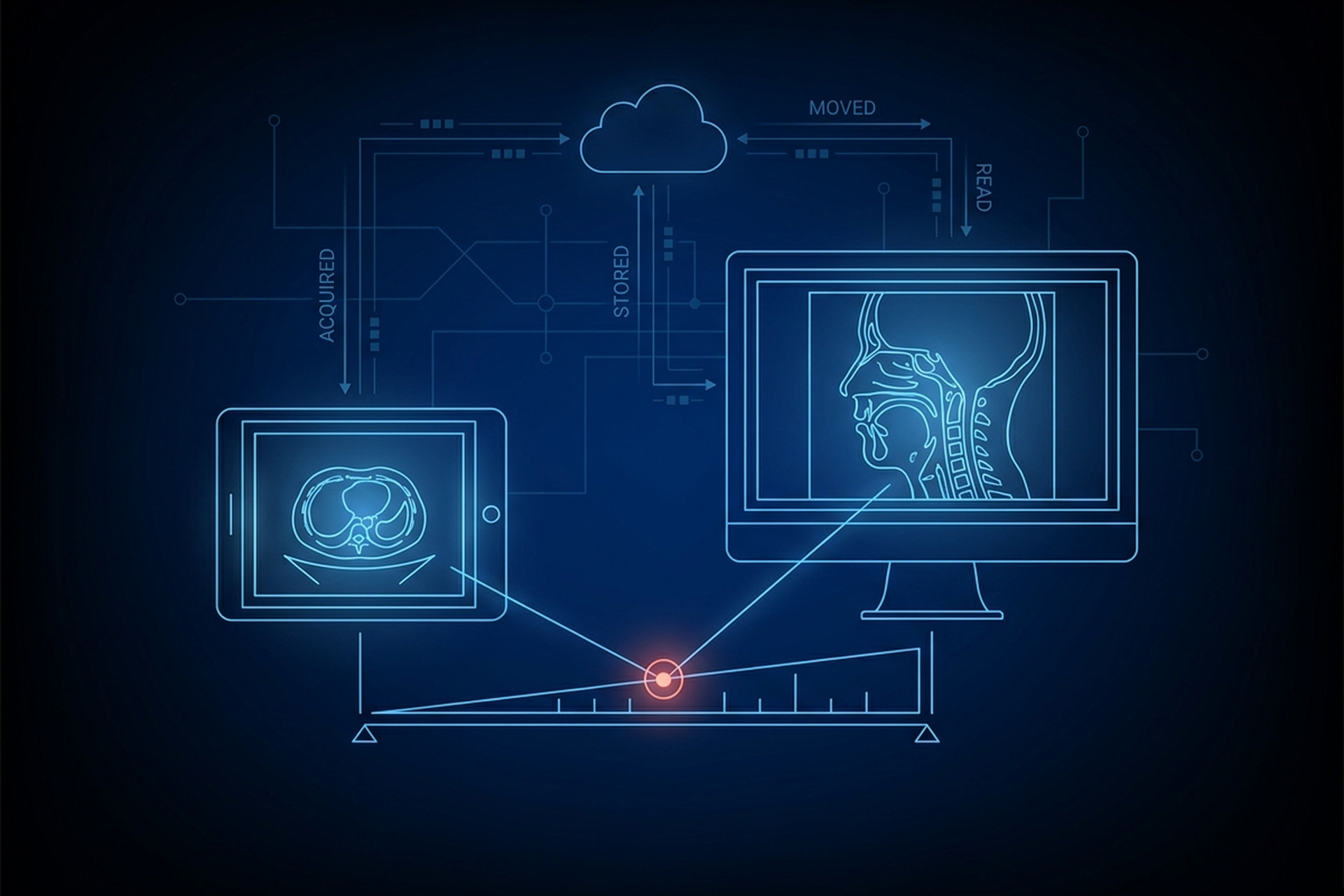
A tablet viewer for radiology usually gets judged by the wrong question. The one a product or engineering team reaches for first is whether an iPad can really stand in for a workstation. The question that decides the matter is narrower: does this specific device meet the requirements any desktop workstation is held to. That list is checkable: calibration to the DICOM grayscale standard, sufficient luminance, regulatory clearance for the intended use, and a viewer that handles series and measurement correctly.
Meet that list and the device is a diagnostic workstation. Miss it and screen sharpness does not close the gap. What genuinely changes on a tablet is a shorter and more specific list than either the skeptics or the enthusiasts reach for, and it is the part an OEM or VAR has to design around.
What a Tablet Viewer Does Not Get to Skip
Move a diagnostic display from a desk to a handheld panel and the physics of a readable image travels with it. A display still has to hit a luminance floor a physicist can measure with a meter. It still has to render each step of the grayscale consistently against the same calibration standard, or the faint density differences a reader is trained to catch never reach the screen intact. Luminance, grayscale calibration, resolution, and the bit depth tied to specific modalities are exactly what a PACS workstation is built around, and a panel held in a hand does not lower any of them.
The viewer software layer does not relax either. Window width and window level still have to be live, per-image controls rather than a fixed default, and measurement tools still have to report real-world units instead of screen pixels. Multi-series handling, pulling a prior study alongside a current one, still has to work, because a diagnostic read frequently depends on comparison rather than a single image in isolation. Everything a DICOM viewer has to get right to support a signed report applies on a tablet too.
The FDA’s own framing backs this up structurally. The agency’s policy on device software functions states plainly that its “policies are independent of the platform on which they might run, are function-specific, and apply across platforms.” What matters is the function the device performs and the claims made about it, not the chassis it ships in.
Regulatory Clearance Follows the Intended Use, Not the Device Category
The FDA maintains guidance specifically for display devices intended for diagnostic radiology, covering what a manufacturer has to demonstrate in a premarket submission before that display can be marketed for primary interpretation. A tablet raises exactly the questions a desktop monitor raises: has this specific hardware and software combination been cleared for the intended use, and what does that clearance cover.
This is where a tablet workstation has to be read carefully rather than taken as a category. EBM’s UDE has 510(k) clearance, as a Class II medical device, for use as a mobile diagnostic workstation on iPad, and its cleared indications exclude mammography. That clearance attaches to UDE specifically, the workstation itself, not to EBM mAIn PACS® as a whole. A clinician pulling up a CT from a long-resolved condition to compare against a new study reads it on UDE the same way they would on a cleared desktop display.
What makes that read valid is the clearance and the calibration underneath it, not which device happens to be holding the screen. What that clearance does not cover is just as load-bearing as what it does. Reading a case with UDE inside the workflow it is cleared for is a different question from reading a mammogram on it, and the two should never be confused.
What Genuinely Changes on a Tablet
Once calibration, luminance, clearance, and viewer capability are equal, four things are left that a desktop workstation does not have to deal with in the same way. The AAPM’s own display quality assurance framework leaves that gap to a companion report: it “does not make special considerations for displays used in handheld devices” and points readers to AAPM TG260 instead. A form factor that needs a report of its own has differences worth designing around.
- Ambient light is uncontrolled. A reading room is built around controlling light on purpose, and a tablet gets used wherever the reader happens to be. The AAPM’s report on handheld image viewers is direct about the consequence: “Ambient light for handheld reading is uncontrolled, can vary during reading, and often includes significant specular (mirror-like) reflections.” A panel that passes every luminance and calibration check in a darkened room can still wash out under a hallway light, so the reading environment belongs inside the evaluation rather than outside it.
- Screen real estate is smaller. A current study against two or three priors, or several series hung side by side, has more room on a multi-monitor desktop array than on a single tablet panel. A tablet handles one study, or a current-and-prior pair, well. Dense multi-series comparison, the layout a subspecialist reading room depends on, is the case a tablet-based product has to plan for rather than assume.
- Touch input is less precise than a cursor for fine measurement. Placing a caliper endpoint exactly on a lesion boundary with a fingertip asks more of the user than the same task with a mouse and a zoomed-in view. That does not make tablet-based measurement invalid. It does mean zoom behavior and touch-target design carry accuracy burden a pointing device would otherwise absorb, which is engineering work someone has to do.
- The device is shared and mobile, so access control matters more. A desktop workstation in a reading room already sits behind the physical and network controls that protect that room. A tablet moves between users, departments, and sometimes outside the building, so authentication, session timeout, and access control have to follow the device rather than the room. For a product team, that is a requirement to specify and verify with a vendor, not a detail to settle after deployment.
Where a Tablet Genuinely Wins
None of the above argues against tablets: it is the cost side of a real tradeoff, and the benefit side is substantial in specific settings. A tablet workstation wins at the point of care, where a clinician reviews a study at the bedside instead of walking to a fixed terminal down the hall. It wins on a mobile unit, a scanner bus or a rural outreach van, where there is no reading room to control light in because there is no reading room at all. And it wins on remote reads, where the alternative is often not a better workstation, it is no diagnostic-grade access at all.
That last comparison is the one that actually matters for evaluating a tablet workstation honestly. The question is rarely “tablet versus a perfectly equipped reading room.” It is “a calibrated, cleared tablet versus waiting,” or “a calibrated, cleared tablet versus an uncalibrated desktop nobody bothered to check.” Framed that way, a tablet that genuinely meets the calibration, luminance, and clearance bar is very often the stronger diagnostic option available in that moment, not a compromise on one.
Mobility also changes how a study gets to the tablet in the first place. UDE shares studies by QR code, AirDrop, or network transfer, which matters because a device that moves between rooms and readers will not always have the same network path a fixed workstation relies on. That flexibility is part of what makes a tablet workable at the point of care, and it is also why the access-control question above does not get to be an afterthought.
What This Means for Your Evaluation
For a product or engineering team scoping a tablet-based reading tool, the checklist does not get shorter because the device is smaller. The first list is everything a desktop workstation evaluation asks: calibration method, luminance verification, and exactly what the regulatory clearance covers and excludes. Then it adds a second list specific to the form factor: ambient light handling, usable layout on one panel, measurement accuracy under touch, and access control that travels with the device.
EBM mAIn PACS® publishes where UDE stands on the first list: DICOM curve calibration with luminance meter support on the iPad itself, not assumed away because the panel is mobile. The same windowing and measurement tools a reader expects from a diagnostic-grade viewer carry from desktop to iPad.
The second list is the one to put to any vendor in writing, EBM included, item by item. Bedside review, procedural areas, and remote coverage are the settings where a fixed reading room is not the reality. That is where the gap shows between a tablet that happens to display images and a tablet that is a diagnostic workstation in the same sense a calibrated desktop is one.