
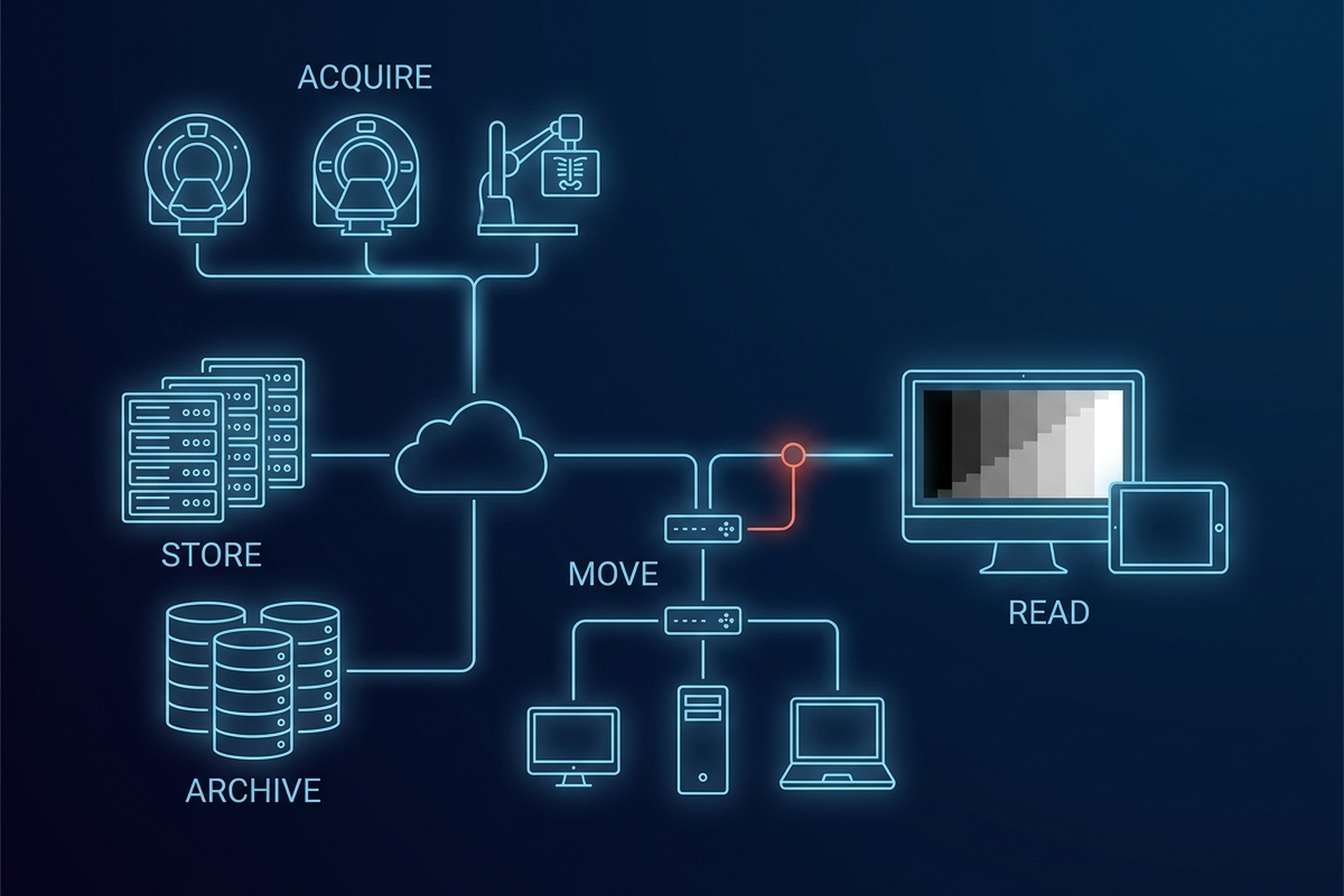
A PACS workstation is not defined by its processor speed, its memory, or what it cost to buy. It is defined by a short list of checkable properties. Two belong to the display: how bright and how consistent it can get, and whether it is calibrated to a specific grayscale standard. One belongs to the room, the stray light landing on the screen.
The last is regulatory: whether the FDA has reviewed the specific hardware and software combination and cleared it for primary diagnostic use. A desktop tower with a fast GPU and an off-the-shelf monitor fails most of that list by default. A cleared tablet can pass every item on it, within the indications it was cleared for. If you are scoping an imaging product for an OEM or VAR launch, that list is also your display bill of materials and your qualification plan.
What a PACS Workstation Actually Requires
“Workstation” gets used loosely in radiology vendor materials, sometimes meaning any computer a clinician sits at, sometimes a specific regulated device. For diagnostic reading, the second meaning is the one that matters. A workstation used for primary interpretation, the read a radiologist signs a report from, has to satisfy requirements that live almost entirely in the display and its calibration, not in the compute underneath.
Four categories cover most of the list. Display performance is luminance and contrast a physicist can measure with a meter. Calibration is whether the display’s gray steps track a defined standard rather than whatever the panel does by default. Environment is how much ambient light is falling on the screen while someone reads.
Regulatory status is the fourth: whether the specific device has been cleared for the purpose. The first three are measurable. The fourth is a document. The split matters: the first three recur for the life of every deployment, the fourth is scoped once, to one configuration.
Luminance and Contrast: The Numbers Behind “Diagnostic Grade”
Radiology’s professional bodies do not leave display brightness to a marketing adjective: they specify it as a number, measured with a luminance meter in candelas per square meter (cd/m²). A peer-reviewed comparison of clinical acquisition displays puts values on the baseline. The American College of Radiology’s CT and MRI quality control manuals set the criterion for the displays technologists use to check an acquired study. Minimum luminance must be no greater than 1.2 cd/m², and maximum luminance no less than 90 cd/m².
Note which way each limit runs. Minimum luminance is a ceiling: if the panel’s own black level drifts above 1.2 cd/m², the darkest grayscale steps stop separating from one another. Maximum luminance is a floor: below 90 cd/m², the luminance range available to carry contrast shrinks, and subtle density differences never reach the reader at all.
Interpretation displays are held higher than those acquisition displays, and mammography higher still. The ACR, AAPM and SIIM technical standard for the electronic practice of medical imaging sets the criteria by use.
| Display use | Maximum luminance | Minimum luminance |
|---|---|---|
| Acquisition, per the ACR CT and MRI QC manuals | no less than 90 cd/m² | no greater than 1.2 cd/m² |
| Diagnostic interpretation | at least 350 cd/m² | 1.0 cd/m² |
| Interpretation of mammograms | at least 420 cd/m² | 1.2 cd/m² |
| Displays used for other purposes | at least 250 cd/m² | 0.8 cd/m² |
Calibration to the DICOM Grayscale Standard
Luminance and contrast only matter if the panel renders each gray step consistently, and that consistency is what DICOM’s Grayscale Standard Display Function exists to standardize. A display gets measured with a luminance meter and calibrated so a given pixel value produces the same perceptual step in brightness on any monitor, in any room. How a viewer renders, windows, and measures a study once the display is calibrated gets its own treatment in a separate look at DICOM viewers.
For the hardware side specifically: a display that has never been measured against the grayscale standard can still look acceptable to an untrained eye. What it flattens systematically is the faint contrast difference that separates a normal finding from an early one. On the UDE mobile workstation, the measurement step is a listed capability, DICOM curve calibration for iPad with luminance meter support.
A capability line does not settle who performs the measurement, on what interval, or where the record is kept. In a partner deployment those three questions land on whoever owns the field, and they are a recurring cost rather than a one-time integration.
Resolution and Bit Depth Relative to Modality
Spatial resolution is not a single number a workstation either has or does not have. It scales with what is being read. General radiography and cross-sectional series such as CT, MRI, and ultrasound are conventionally read on lower-resolution displays than mammography, where the finding can be a cluster of microcalcifications rather than a bulk structure. The luminance table above draws the same line, holding mammography displays higher than other interpretation displays.
More pixels does not automatically mean a better read, and the literature is not one-directional. A clinical comparison of a 5-megapixel CRT against a 3-megapixel LCD for soft-copy microcalcification reading found no significant difference in diagnostic performance, and the lower-resolution panel was read faster. That study is from 2007, used a single radiologist, and moves two variables at once, panel technology and pixel count, so it settles nothing on its own. What it does establish is that a resolution number by itself is not a diagnostic argument.
Bit depth compounds the same idea. A modern CT slice is commonly captured at 12 to 16 bits per pixel so that Hounsfield units can represent bone, soft tissue, and air within the same image. A display and viewer pipeline that flattens that data to a lower bit depth before it reaches the screen has already thrown away information before a radiologist opens the study. Specify the display and the rendering path against the modalities your product actually carries, not one setting for every study type.
Ambient Light and the Reading Environment
A correctly calibrated display in a badly lit room is still a compromised reading setup. Stray light hitting the panel raises the effective black level the same way a high minimum luminance does. Driving the room fully dark carries its own cost, so the target is controlled light, not no light. Peer-reviewed research on chest radiology reading rooms has looked directly at that trade-off.
Under typical dark reading room conditions, a radiologist’s pupils contract and dilate as visual focus shifts between the high-luminance monitor and a darker background wall. The study attributes increased visual fatigue to that cycling. Dedicated reading rooms answer both halves of the problem with low, indirect lighting and matte, non-reflective wall finishes.
This is the requirement that does not travel with the device. The same cleared tablet is operating under different conditions at a bright nursing station than in a controlled reading room, with identical hardware. If your product ships into environments you do not control, the installation guidance you write is part of the answer.
Diagnostic Displays Versus Clinical-Review Displays
Not every screen that shows a DICOM image has to meet the bar above. The AAPM’s TG-18 framework for assessing display performance draws the line explicitly. It defines a “primary” display as one used for interpretation of medical images, and a “secondary” display as one used for other purposes. A referring physician checking a result, or a case manager reviewing a prior, sits on the secondary side of that line.
Lower does not mean unspecified. The same ACR, AAPM and SIIM standard puts displays used for other purposes at a maximum luminance of at least 250 cd/m² with a minimum of 0.8 cd/m². It also asks that intermediate gray values follow the same response function across every display in a facility, with the DICOM grayscale standard display function strongly recommended for setting them. The tolerance is what differs: a contrast response within 10% of the GSDF for displays used for diagnostic interpretation, within 20% for the others.
This is the line a product specification blurs most often. A viewer demo looks the same on either class of screen, so the question worth answering early is which surfaces in your own product are specified to carry a diagnostic read and which are not. Answering it late means re-scoping display requirements after the software is written, and re-opening the regulatory question with them.
Input and Interaction: What the Workstation Has to Support
Display requirements get most of the regulatory attention, but a reading surface that handles hundreds of studies a day has to survive the interaction load too. Windowing and scrolling through a large series happen constantly, which puts the cost in input handling and rendering latency rather than raw compute. That means assignable inputs mapped to window presets, a scroll path through slices that does not stutter on a long series, and dictation handed to the reporting step without a device switch.
Surface count belongs in the same bucket. Comparing a current study against a prior, or keeping a worklist visible while reading, is difficult on one small screen and routine on a multi-monitor layout. The related question for a product team is whether capability holds constant as the surface changes: EBM mAIn PACS® lists advanced tools and structured reporting as viewing capabilities that carry from desktop to iPad. None of this layer is regulated the way luminance and calibration are, and every gap in it becomes a line in your engineering estimate.
Where FDA Clearance Actually Enters
Clearance does not attach to a whole PACS platform as a single blanket approval. It attaches to a specific device, defined by its intended use, and the FDA’s own classification makes that specificity explicit. Display devices and image management systems intended for the interpretation of medical images by a trained practitioner fall under 21 CFR 892.2050. The FDA classifies that category as Class II.
The regulation’s identification language is about purpose, not form factor. It covers systems that provide “capabilities relating to the review and digital processing of medical images for the purposes of interpretation by a trained practitioner of disease detection, diagnosis, or patient management.” That can be a dedicated diagnostic monitor or a mobile device running the right calibrated software, and in either case it applies to the specific cleared configuration.
UDE, EBM’s iPad-based mobile diagnostic workstation, carries FDA 510(k) clearance, as a Class II medical device, for diagnostic viewing as that specific device, and its cleared indications exclude mammography. That clearance belongs to UDE. It does not extend to EBM mAIn PACS® as a platform, it does not extend to EPS Pi, and it does not extend to the Mac mini deployment option. A vendor who lets one component’s clearance blur into a platform-wide claim is describing something the FDA never reviewed that way.
For a partner the consequence is narrow and concrete. The cleared configuration is the one you can describe as cleared, and any other combination you assemble is a separate regulatory question you own.
The Tablet Question: What Changes and What Doesn’t
None of the requirements above are form-factor requirements. Nothing in the luminance floor, the grayscale calibration, the ambient light control, or the FDA’s classification language specifies a desktop, a cart, or a fixed monitor. What changes with a tablet is packaging: the display, the calibration path, and the clearance arrive as one device instead of an assembled monitor, graphics card, and calibration tool. For a partner that mostly moves work off the bill of materials and onto the deployment process.
What does not change is the underlying bar. A tablet still has to hit the same luminance and contrast numbers. Its calibration still has to be verified rather than assumed, and the clearance still has to attach to the specific device rather than to the software running on it.
The genuine trade-off is not diagnostic quality, it is workflow fit. A single tablet screen is a harder place to compare a current study against three priors than a multi-monitor setup is. That is one reason EBM’s reading rooms and point-of-care solutions span more than one hardware surface instead of forcing every use case onto the same one.
Where a tablet wins outright is reach: offline-capable reading at a bedside, in a mobile clinic, or at a site with unreliable connectivity. Those are the exact conditions under which teleradiology depends on a device that does not need a live network connection.
What to Pin Down Before You Build On It
The useful question is never “is this cleared” as a yes-or-no. A yes settles nothing on its own, because clearance attaches to a component and a configuration rather than to a room full of equipment. What separates a defensible workstation from one that merely sounds compliant is whether each of the four categories comes back as an artifact instead of an assurance.
Ask for four, one per category. A luminance measurement and a calibration record with a stated verification method cover the display and its calibration. A statement of the ambient conditions the device was specified for covers the environment, and a clearance naming the device covers the regulatory side.
Insist on that specificity, because this class of failure is quiet. A display that has drifted below its luminance floor raises no alert, and neither does a clearance written for a different configuration than the one in the field. Both surface later, inside a read, as contrast a radiologist never had the chance to see.
So the decision in front of a product team is not which device is best. It is which reads are allowed to happen on which class of device, and who owns proving that each of those devices still meets its numbers after deployment. A platform vendor who can answer that, the way the underlying PACS architecture has to answer for every other part of the system, is one worth building on. One that answers with a single word, compliant, is not.