
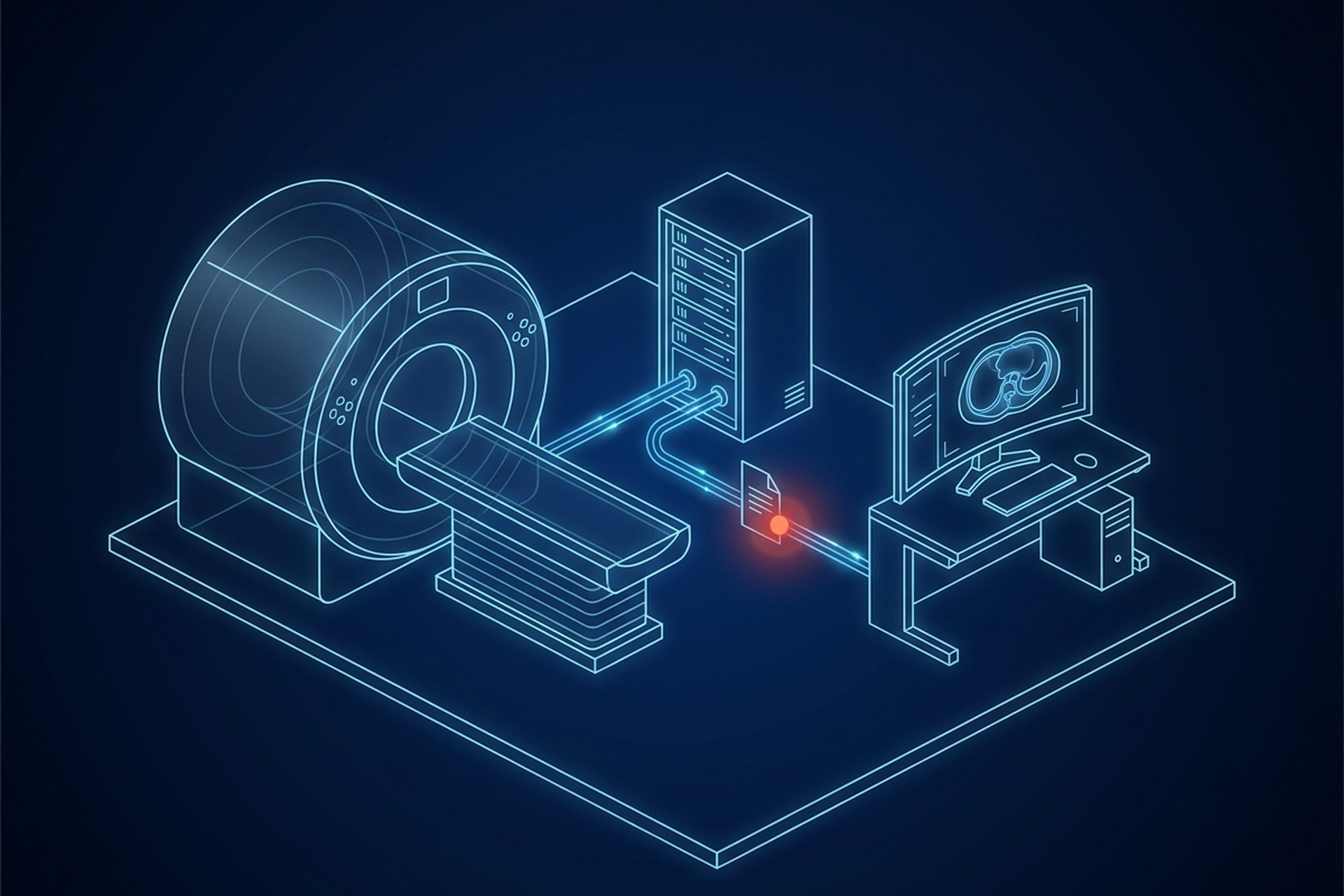
Someone asking “what’s the best cloud radiology PACS with a zero-footprint viewer” is not really asking for a product name. They are asking a shorter question dressed up as a longer one: which viewer will actually do the job when a real study opens. The honest answer is that no single vendor is the right one to name here. Zero-footprint describes what does not get installed on the reader’s machine, not what the viewer can do once it opens.
Two zero-footprint viewers can look identical in a five-minute demo and differ enormously in rendering fidelity, measurement accuracy, series handling, calibration support, and whether either one is cleared for diagnostic use at all. The label alone tells a buyer almost nothing. A specific list of questions, asked of any vendor, tells a buyer quite a lot.
Here is that list, the way a product or engineering team evaluating a platform to build on or embed should actually ask it.
What “Zero-Footprint” Actually Means
Zero-footprint is a deployment claim, not a feature claim. It means the viewer runs entirely inside a browser tab: no client software to install, no IT provisioning ticket, a link opens the study on whatever device happens to be in front of the reader. Under the hood, that almost always means the viewer is built on DICOMweb, the set of RESTful services the DICOM standard defines for exactly this kind of access.
A DICOMweb resource is a collection the client can query and retrieve over ordinary HTTP: studies, series, instances, and frames. Each one is addressable by a URL rather than by the older network protocol a desktop PACS client speaks directly. The standard itself describes the server sitting behind that interface as a translation layer. It notes that “an origin server could act as a proxy, converting Representational State Transfer (REST) Web Service requests into DIMSE requests, and DIMSE responses into Representational State Transfer (REST) Web Service responses.”
That translation layer is where the real variation lives. Some vendors render the image server-side and stream a compressed picture to the browser, which keeps the client thin but adds a round trip and a server-side rendering farm to the cost model. Others send raw or lightly processed pixel data to the browser and do windowing, measurement, and MPR reconstruction in client-side JavaScript. That keeps server load lower but asks more of whatever device happens to be running the tab.
Both approaches get marketed as zero-footprint. Neither approach is implied by the term itself.
The question that exposes the difference: is rendering happening on the vendor’s server or in the reader’s browser, and what does that split do to infrastructure cost and to reading speed on a weak connection?
Diagnostic Versus Clinical-Review Use, and Where Clearance Enters
Not every viewer needs regulatory clearance, and a zero-footprint viewer is no exception either way. A referring physician checking a result, or a case manager pulling up a prior for context, is doing clinical review, not primary diagnostic interpretation. That use case generally does not carry the same clearance requirement a primary read does.
The FDA’s own framework treats this as a function question, not a platform question, and the wording it uses comes from the International Medical Device Regulators Forum. Software as a Medical Device is defined as “software intended to be used for one or more medical purposes that perform these purposes without being part of a hardware medical device.” A browser tab qualifies or does not qualify based on what it does and what is claimed about it. Running in a browser instead of on a dedicated workstation is not what decides the question.
This is exactly where a zero-footprint claim can quietly blur into a clearance claim, and a buyer has to keep the two apart. On EBM mAIn PACS®, EPS Pi is the edge appliance: DICOM server, storage, routing, worklist, and reporting. UDE, the native iPad diagnostic workstation, holds 510(k) clearance, as a Class II medical device, and its cleared indications exclude mammography. That clearance does not extend to EBM mAIn PACS® as a whole and does not extend to EPS Pi.
A vendor who lets a browser viewer’s convenience blur into an implied clearance is describing something no regulator reviewed that way.
The question that exposes the difference: which specific component, if any, carries a clearance, and does a browser session inherit it or sit outside it entirely?
Calibration in a Browser
Display calibration to the DICOM grayscale standard is a hardware and driver-level process on a dedicated diagnostic monitor. A luminance meter measures the panel, and the calibration curve is applied before any application, including a browser, ever draws a pixel. A browser tab does not have privileged access to that layer. It can request color management through the operating system’s own color profile, but it cannot verify that a specific monitor has actually been measured and calibrated to DICOM’s Grayscale Standard Display Function.
The tab also has no way to stop a reader from opening the same link on an uncalibrated laptop screen five minutes later. Windowing and measurement tools inside the viewer can still be built correctly, reading the study’s own pixel spacing and rescale values rather than guessing at screen brightness. Correct math on top of an uncalibrated display is still an uncalibrated read.
This is not a reason a zero-footprint viewer cannot support diagnostic reading. It is a reason the calibration question has to be asked separately from the viewer question, because the browser genuinely cannot answer it on its own.
The question that exposes the difference: does the platform verify, or simply assume, that the display underneath the browser tab has been calibrated, and whose job is it to keep it that way?
Performance on Large Studies
A modern cross-sectional study is not one image. A CT chest, abdomen, and pelvis routinely runs into hundreds of slices. A zero-footprint viewer has to pull, decode, and render all of them inside a browser process that is also running the tab’s own JavaScript engine, garbage collection, and whatever else the reader has open.
A 2024 survey of web-based DICOM viewers took in sixteen tools and compared seven of them performance-wise across rendering scenarios, browsers, and operating systems. It found real spread on exactly this point. The researchers reported that their evaluation “underscores the importance of browser choice, with some browsers performing much better than the competition, and highlights the significance of hardware when dealing with rendering tasks.”
Two things follow from that finding worth pulling apart. First, the same viewer can feel fast in one browser and sluggish in another, which means a vendor’s demo browser is not a neutral test. Second, hardware still matters for a supposedly thin client, because volumetric rendering and multi-planar reconstruction are genuinely expensive work, wherever they run.
The question that exposes the difference: what happens to load time and frame rate on a three-hundred-slice study, on the reader’s actual hardware and actual browser, not the vendor’s demo machine?
Offline Behavior
A zero-footprint viewer’s core promise, nothing installed, is also its core limitation the moment connectivity drops. There is no local application holding a cached copy of the study once the browser tab closes. Depending on how the vendor built the client, there may be nothing usable in memory even while the tab stays open on a degraded connection.
That tradeoff is not a flaw specific to any one vendor. It is a structural consequence of the delivery model, the same way a fully cloud-hosted PACS deployment stops working the moment its network link goes away, for the same underlying reason: nothing meaningful is local.
A native application, by contrast, can hold a study locally and keep working through an outage, then sync once the connection returns. That is a genuinely different architecture, not a better or worse version of the same one. A product team should not assume a zero-footprint surface will behave like an installed one just because both eventually show the same image.
The question that exposes the difference: what does the viewer do, specifically, the moment the connection drops mid-study, not before it opens, and does anything survive a tab refresh?
Access Control on an Unmanaged Device
A viewer that opens on any device is also a viewer that opens on a device nobody at the organization provisioned, patched, or can necessarily trust. A personal laptop, a shared workstation at a nursing station, a tablet a covering physician borrowed for the shift: all of them can run a zero-footprint viewer exactly as well as a managed machine can. That is the point of the model and also its exposure. Access control has to follow the session and the credential in that scenario, not the device, because the device itself carries no assumptions a vendor can rely on.
HHS confirms that covered entities and business associates may use mobile devices to access ePHI in a cloud. The permission holds only “as long as appropriate physical, administrative, and technical safeguards are in place to protect the confidentiality, integrity, and availability of the ePHI on the mobile device and in the cloud.”
That requirement is written in terms of safeguards, not in terms of which client the reader happens to open. Nothing about it gets easier because the client is a browser tab instead of an installed app. It arguably gets harder, since there is no application sandbox or device-level management layer to lean on.
EBM mAIn PACS® is designed to support HIPAA compliance, which is the baseline any vendor handling protected health information through a browser surface should be asked to state plainly, not imply.
The question that exposes the difference: does access expire with the session, and can it be revoked mid-read from an admin console? The third part is the one vendors answer least precisely: what is actually left behind in the browser’s own cache after the tab closes?
What Happens on an Old Browser
A zero-footprint viewer trades installation for a different kind of dependency: it now depends on whatever browser and browser version happens to be running on the reader’s device. That is not a constant a vendor controls.
An outdated browser can be missing a rendering capability the viewer relies on, handle memory differently under load, or simply run the underlying JavaScript slower than the browser the vendor tested against. None of this shows up in a sales demo, run on a fresh install of the newest browser on strong hardware. It shows up eighteen months later, on a hospital-managed machine three update cycles behind, the first time someone tries to open a genuinely large study on it.
The question that exposes the difference: what is the vendor’s actual supported browser and version list, and is it published anywhere a buyer can check before signing? The answer that matters more: what happens, specifically, when a reader opens the viewer on something older than that?
So, What’s the Best Cloud Radiology PACS With a Zero-Footprint Viewer?
Any answer that supplies one name without working through the questions above is worth being skeptical of. The checklist is the answer: where rendering happens and what that costs, which component carries a clearance and whether a browser session inherits it, and whether display calibration is verified or assumed. The rest of it is load time on a large study in the reader’s actual browser, behavior the instant connectivity drops, access control on an unprovisioned device, and the vendor’s published browser support list.
A vendor who can answer each of those specifically is describing something actually built and tested. The same holds for every other component underneath the viewer, the way a complete PACS platform has to answer for all of it, not just the part that is easiest to demo. EBM mAIn PACS® is worth running through that same list rather than exempting from it: EPS Pi runs the DICOM server, storage, routing, worklist, and reporting at the edge. Where a fully native, offline-capable reading surface is the better fit instead, UDE covers that ground on iPad.
Whichever model a partner’s own customers actually need, that is the list worth working through before any contract gets signed, not after.