
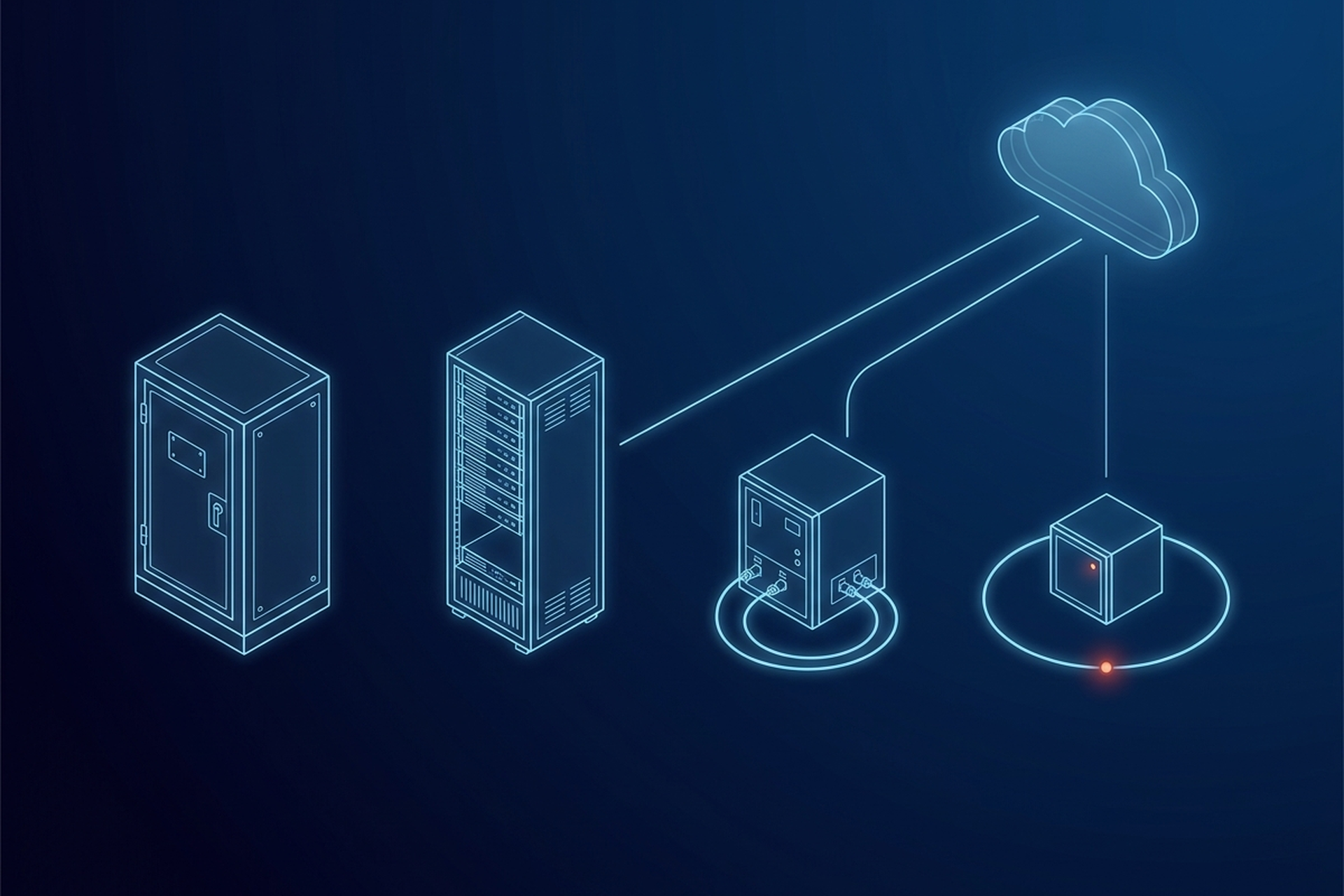
Two of the four PACS deployment models put hardware at the site and a cloud layer on top of it. During an outage, an edge site keeps acquiring and reading on its own hardware. Whether a hybrid site can still take a new study depends entirely on what its vendor built the local cache to do. Both get sold as hybrid.
The list runs to four, not three. Each model answers the same three questions differently. Where does the authoritative copy of a study live, who keeps the system patched, and what happens the moment the network goes away.
What Each Label Moves, and Where
On-premises, cloud, hybrid, and edge are not four flavors of the same product. Most vendor material runs only the first three and files edge under hybrid, and the two are split apart here because they fail in opposite directions during an outage. Each label moves a different piece of the system to a different physical location, and that move has consequences a vendor comparison sheet rarely spells out.
On-premises keeps everything local. Cloud keeps almost nothing local. Hybrid and edge both split the difference, but in opposite directions.
One treats the cloud copy as authoritative and the local copy as a convenience. The other treats the local copy as authoritative and the cloud as an add-on layer. That distinction, not the label, is what decides how a site behaves during an outage. None of it changes what a PACS actually does; all four models change only where it does it.
That is also a different axis from sizing, whether one deployment needs to serve a single department or a whole health system. Mini PACS Systems draws that boundary. A site can sit anywhere on it and still choose any of the four deployment models below.
On-Premises PACS
An on-premises deployment puts the server, the storage, and the software entirely inside the site’s own walls. Acquisition, archiving, distribution, and reporting all run on hardware the site owns or leases, connected over its own local network rather than the public internet.
The appeal is straightforward: the data never leaves the building unless someone deliberately moves it, and performance does not depend on an outside connection. A radiologist pulling a prior study is reading off local storage at local network speed, not waiting on a round trip to somewhere else.
The cost sits on the other side of that appeal. Someone has to buy, rack, and maintain the hardware. Someone has to apply security patches, manage backups, and plan for the day a drive or a server fails.
EBM’s own comparison of its platform against traditional PACS names that tradeoff directly: its homepage lists “Weeks of deployment”, “Complex infrastructure” and “High IT dependency” under a column headed “vs Traditional PACS”. That is EBM’s own stated position, not a neutral rating, and it is also a fair description of what running every layer on local hardware tends to require.
EBM mAIn PACS® runs on more than one hardware surface, and the centralized one is the Mac mini server. EBM’s own platform page describes it as compact, built for centralized deployments, and suited to clinics and reading rooms, which is a different shape from a distributed edge appliance. It is one on-premises shape a partner can offer without assuming every site wants the same one.
Patching and hardware refresh cycles are the ongoing tax on this model. Whoever operates the site is also, in practice, operating a small data center, even if it is a single rack in a closet.
Cloud PACS
A fully cloud-hosted PACS takes the standard shape of cloud computing, on-demand network access to a shared pool of computing resources, and puts those resources in someone else’s data center. The modality still acquires locally, then hands the study off to that data center and keeps nothing of consequence behind. Reading, storage, and usually the worklist all sit on infrastructure the vendor runs elsewhere, reached through a browser or a thin client.
The operating model flips from on-premises: almost nothing to patch locally, because almost nothing runs locally. That convenience has a cost shape of its own, usually an ongoing subscription tied to storage and access rather than a hardware purchase, and a dependency on the network that on-premises never had.
Cloud PACS: How Edge-to-Cloud Imaging Actually Works covers what happens to reading and acquisition the moment that connection drops. It also covers how retrieval speed changes once a study has to travel over a wide area link instead of a local one.
Hybrid PACS
A hybrid deployment keeps a local appliance that caches recent, actively read studies for fast retrieval, while a cloud archive holds the long-term record. The cloud copy is the authoritative one. The local cache exists to make today’s reading fast, not to keep the system running if the cloud connection disappears.
That retention window, how long a study stays in local cache before it ages out to the cloud-only archive, is a configuration choice a vendor sets, not a fixed property of the architecture. A hybrid site gets local-speed access to whatever it is actively working on, and offloads everything older to infrastructure someone else operates.
Whether a hybrid deployment survives an outage depends on what the local cache was built to do. Reading anything already cached usually still works. Acquiring a brand-new study during the outage is a harder question, because that depends on whether the vendor built the cache to accept new writes offline, not just serve reads it already has. That is a question worth asking any hybrid vendor directly, since “hybrid” by itself does not answer it.
Who patches what also splits down the middle here. The cloud side updates on the vendor’s own schedule, the same as a fully cloud-hosted system. The cache appliance in the building is a second maintenance surface, with its own firmware and software to keep current, and a named owner for that half of the calendar.
Edge PACS
Edge PACS looks like hybrid from a distance, because both put hardware at the site and a cloud layer on top of it. The difference is which copy is authoritative. In a hybrid deployment, the cloud archive is the record of truth and the local cache is temporary. In an edge deployment, acquisition, storage, and the reading worklist all run on hardware physically present at the site, so the local copy is the primary copy, not a cache of something that lives elsewhere.
EPS Pi is EBM’s example of this shape: a DICOM server, storage, routing, and worklist packaged into one appliance that runs at the point of care, with local backup via USB. A cloud layer sits on top for remote access and multi-site visibility, but the site does not need that layer to keep acquiring, storing, and reading studies. Firmware and software updates for an edge appliance are also mostly a site-side responsibility, the same as any hardware that lives at the point of care. Remote update delivery is worth asking about before assuming every patch means a site visit.
That ordering is what survives a connectivity loss that a fully cloud-hosted system cannot. None of an edge deployment’s three core jobs, acquire, store, and serve the reading worklist, depend on the network in the first place. The cloud connection resumes syncing once it returns, but the site was never waiting on it to function. The edge-to-cloud mechanics behind that claim, and what a wide area retrieval costs in bandwidth once a study does need to travel, are covered in the edge-to-cloud walkthrough rather than repeated here.
Who the Cloud Connection Makes a Business Associate
Cloud, hybrid, and edge all send protected health information through a third-party cloud provider at some point, even if edge only does it for sync and remote access rather than primary operation. The U.S. Department of Health and Human Services defines a cloud service provider engaged to create, receive, maintain, or transmit electronic PHI on a covered entity’s behalf as a business associate under HIPAA. That status carries its own contractual and compliance obligations.
That obligation does not track cleanly with which of the three cloud-connected models a site runs. It applies to a fully cloud-hosted archive, a hybrid cache-and-archive split, and an edge appliance that syncs to the cloud alike. An on-premises deployment with no outside connection is the one model that can avoid creating that relationship entirely, provided nothing else at the site introduces one.
Choosing Among the Four
| Model | Authoritative copy | What breaks first offline | Who patches |
|---|---|---|---|
| On-premises | Local hardware | Nothing, until local hardware fails | The site owns the whole stack |
| Cloud | Remote data center | Acquisition, storage, reading, all at once | The vendor, almost entirely |
| Hybrid | Cloud archive | New acquisition, depending on the cache | Split between vendor and site |
| Edge | Local appliance | Only remote access and sync | Split, weighted toward the site |
Which of the four rows is correct depends on the site, and the table does not rank them. A hospital campus with redundant fiber and a dedicated IT staff can reasonably run cloud or hybrid and treat centralized management as the bigger win. A mobile clinic or a rural site where connectivity is a variable, not a given, is choosing a materially different risk if it defaults to the same model anyway.
EBM Fabric™ pairs an edge-first architecture with cloud connectivity on top, which puts the local copy first and the cloud layer above it, the ordering that counts most in the second case. That does not make it the automatic answer for every partner’s book of sites, and it matters most where an outage cannot be allowed to take reading down with it. What a PACS Costs itemizes the spending lines that sit underneath whichever of the four a partner picks, from implementation labor through to migration at exit.
Picking by Site, Not by Label
The label on a vendor’s homepage answers less than the conditions at the specific sites a partner is deploying into. Reliable campus connectivity argues for one model. A mobile or rural footprint where the network cannot be assumed argues for another, and the two are not close calls once the failure mode is stated plainly rather than left implicit.
A product team that picks by label instead of by site finds out which model it actually bought during its first real outage, not during the sales call. The architecture question was answerable before that outage happened. It just was not asked in those terms.