
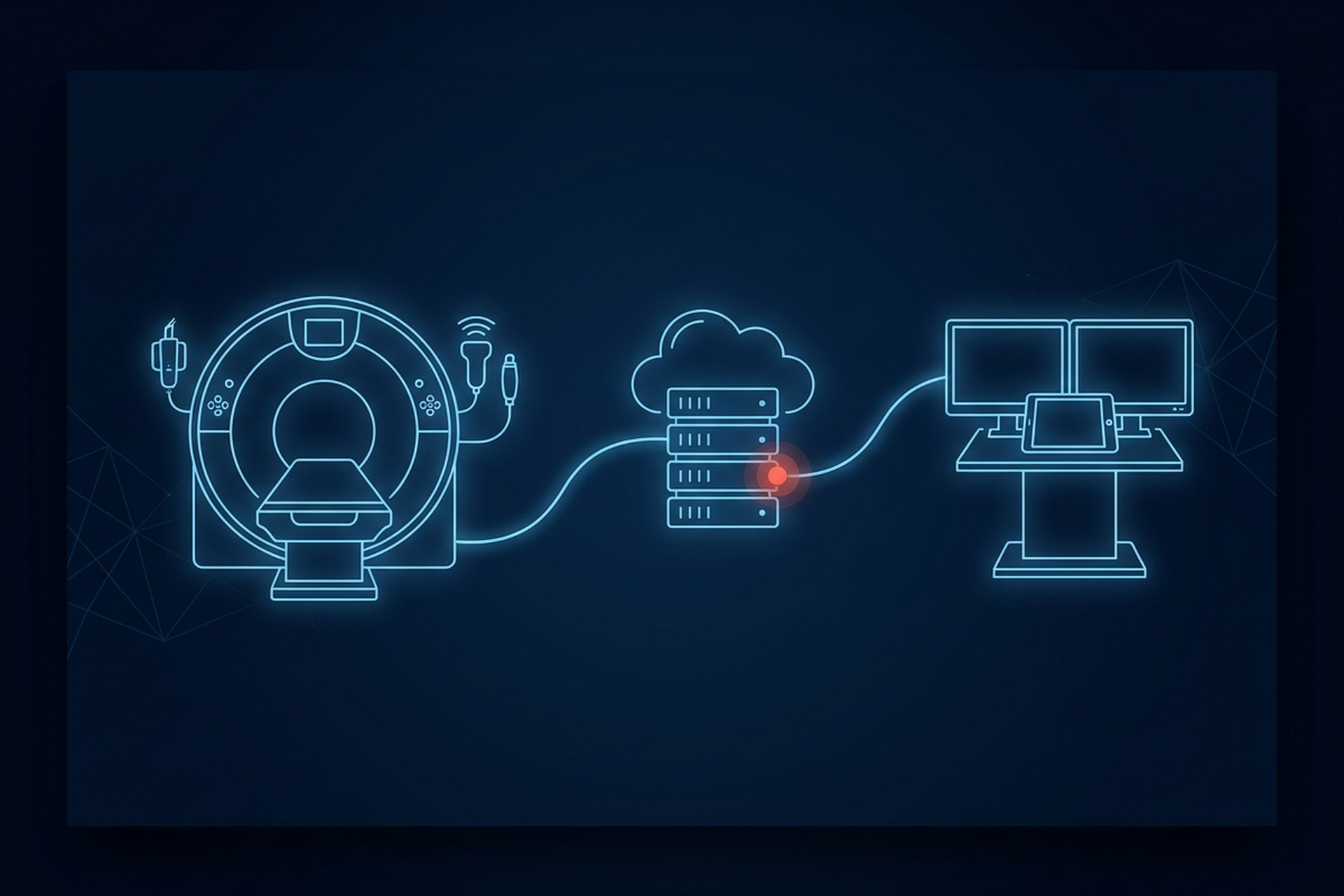
An engineer who has never worked in medical imaging meets DICOM the same way almost every time: a colleague hands over a .dcm file and says “open this.” A search turns up a parser, the pixel data renders, and the assumption locks in right there: DICOM is a file format. That assumption is off by about two-thirds.
DICOM is an information model, a set of network services, and a file format, in that order of importance to anyone building a product on top of it. The file format is the easy third. The other two are where an imaging integration costs time.
Three Things DICOM Actually Is
DICOM stands for Digital Imaging and Communications in Medicine, and the acronym undersells the scope. The organization that maintains it calls the DICOM standard “the international standard for medical images and related information,” and “one of the most widely deployed healthcare messaging Standards in the world.” It defines how systems talk to each other, not just how one image gets saved to disk.
DICOM is a single standard, published in numbered parts rather than as a bundle of competing specifications. Three of those parts answer three different questions, and a product team evaluating an imaging build has to treat them as three separate problems.
The first is an information model, PS3.3: a formal definition of what a patient, a study, a series, and an image are, and how they relate to each other. The second is a set of network services, PS3.4: the rules for how one system asks another for a study, sends one, or confirms it arrived intact. Those rules are what let a PACS, a modality, and a viewer from three different vendors interoperate on the same network without custom code between each pair.
The third is a file format, PS3.10: a specific way to package one object (an image, a report, a waveform) along with its own metadata into a single portable file. DICOM’s own file format specification is scoped narrowly on purpose. It “specifies a general model for the storage of Medical Imaging information on removable media,” one part of the standard rather than the standard itself.
The .dcm file an engineer meets first is the output of that third part. The first two are what make the file meaningful once it leaves the system that created it.
The Data Hierarchy: Patient, Study, Series, Instance
Everything else in DICOM rests on one hierarchy, and getting it into your head early saves a lot of confused debugging later.
- Patient. The person, or in edge cases the subject, an exam is performed on.
- Study. One imaging encounter: an MRI ordered by a referring physician, a CT ordered for a specific complaint. A study carries its own unique identifier so it never gets confused with a different exam on the same patient.
- Series. A study breaks into one or more series, a set of images acquired together under the same protocol, a particular MRI sequence, or a specific CT acquisition phase.
- Instance. Each series is made of instances, the individual objects that carry pixel data or report content. The instance is the unit the network services move. A multi-frame instance holds many frames inside one instance, so a frame is not a smaller instance.
The DICOM Model of the Real World ties these together explicitly. A composite IOD, the standard notes, “contains Attributes of multiple real-world objects such as Series, Equipment, Frame of Reference, Study and Patient,” which is the formal statement of a simple point. One image file on disk is never really just an image. It is an image plus its place in that whole hierarchy, encoded into the same object.
A study’s identifier, for example, is defined in the standard as the attribute providing a “unique identifier for the Study,” tagged (0020,000D). That identifier, not a filename or a folder path, is what a real system uses to know which study an image belongs to. This is also why every level of the hierarchy carries its own identifier. An integration that hardcodes folder structure or filenames instead of reading those identifiers out of the data breaks the first time a vendor’s export tool organizes files differently.
Data Elements, Tags, and Value Representations
Inside every DICOM object, information is carried as data elements. A data element is uniquely identified by a Data Element Tag, an ordered pair of numbers written as (group, element), the same pattern as the study identifier’s (0020,000D) above. Every element also has a value representation, a two-character code for the type of data it holds: a date, a string, an integer, a sequence of other elements.
Whether that code travels in the bytes is a separate question, and it is the first real integration cost in this section. PS3.5 puts the field in only two of the three data element structures: “A fourth field, Value Representation, is only present in the two Explicit VR Data Element structures.” Under Implicit VR Little Endian, which is DICOM’s default transfer syntax, there is no VR field at all, and a parser resolves the type from the PS3.6 data dictionary instead. Which of the two a connection uses is settled by the negotiated transfer syntax, the same thing a conformance statement lists a few sections below.
So a DICOM parser is not reading a schema on the fly and guessing at field types. It reads against that published dictionary, which is what a viewer, an archive, and a worklist server all agree on. Standard data elements sit in even group numbers. Private data elements sit in odd ones, where a vendor defines its own meaning and puts no obligation on anyone else to decode it.
The dictionary does not enumerate those private elements, which is the whole point of them: the odd group number is the only signal a receiving system gets. Misread a private tag as a standard one, or the reverse, and a study can look fine on screen while carrying corrupted or silently dropped metadata underneath.
The Core Service Classes, and Who Plays Which Role
The data model above describes what an object is. Service classes describe what two systems can do with one over a network. This is where DICOM stops being a file question entirely.
In practice, four service classes cover most of what a PACS integration touches day to day. Naming them matters more than describing them again here, because the names are what a conformance statement is written in.
- Storage (C-STORE). One system sends a study to another and the receiver stores it. The sending modality requests the operation; the archive performs it.
- Query/Retrieve (C-FIND, C-MOVE). One service class, two operations. C-FIND asks an archive what studies it holds, C-MOVE asks it to send specific ones, and a viewer or workstation is the side asking.
- Modality Worklist (MWL). A scanner asks for its scheduled exams before acquisition, so a study arrives already tagged with the right patient and accession data. The RIS, or the broker in front of it, makes that scheduled procedure step available over DICOM, so the RIS side is the provider and the scanner is the one asking.
- Storage Commitment. A modality asks the archive to confirm a study was actually saved, before the modality deletes its own local copy.
What a PACS Actually Does, Explained for Product Teams walks through how those four move a single study end to end, so this piece stays on the roles instead.
Every one of those bullets has two sides, and the standard names them. Service Class User (SCU) is the side requesting the operation. Service Class Provider (SCP) is the side performing it. A conformance statement is written in those two terms, one entry per service.
The same system holds both roles, service by service. An archive receiving a study over C-STORE is the SCP for the Storage Service Class; the same archive forwarding that study to another destination is the SCU for that same service class. Claiming a service class in the abstract says nothing about which side a product implements, and a workflow always needs a specific one.
Those four are a small slice of the part. PS3.4 defines more than two dozen service classes in total, and most of them a product team outside radiology reporting never touches directly: print management, display system management and instance availability notification among them. Structured reporting is not one of them, despite how often it gets listed as a service, because SR objects move through the ordinary Storage Service Class like any other instance. None of that breadth is a reason to build for all of it.
It is a reason to ask which services, and which roles, a given platform implements. The phrase “supports DICOM networking” can mean four service classes or most of the two dozen, and the gap between those two readings is most of an integration’s real scope.
What a Conformance Statement Is For
DICOM does not require every implementation to support everything it defines. The standard’s own conformance requirements state it plainly: “An implementation need not employ all the optional components of the DICOM Standard.”
The standard’s own example runs from one end of the market to the other. At one end, “a simple film digitizer may not support the SOP Classes for other imaging modalities since such support may not be required.” At the other, “a complex storage server might be required to support SOP Classes from multiple modalities in order to adequately function as a storage server.” Both of those products can honestly say they support DICOM, and they support almost none of the same things.
The document that closes that gap is the conformance statement, one every DICOM implementation is required to publish. It states which service classes a product handles, which role it takes in each, and which transfer syntaxes it accepts, the implicit-versus-explicit VR question from earlier included. Comparing two vendors’ documents side by side is how a technical buyer finds out whether, and how far, two systems will interoperate.
It is a declaration, though, not a certification. Vendor Neutral Archive: Buying Storage That Outlives Your PACS covers how to test a conformance statement against real data before signing anything, the step that separates a document from a proof.
Where the Real Integration Cost Sits
Put the three parts together and the cost structure of an imaging integration stops looking like a parsing problem. Reading pixel data out of a well-formed DICOM file is close to solved, and open libraries handle it in an afternoon. What consumes engineering time sits upstream and downstream of that file:
- Negotiating a network connection, and a transfer syntax, with a modality that has its own quirks.
- Implementing the specific service classes and roles a workflow needs, on both sides of the exchange.
- Keeping the patient, study, series, and instance hierarchy intact across systems that were never tested against each other.
- Handling private tags a vendor invented and never documented.
- Proving all of it against a conformance statement rather than against a claim on a website.
The honest version of a DICOM claim comes with a services list and a role for each entry on it. EBM mAIn PACS® publishes that list directly for its own platform: native DICOM C-STORE, Q/R, MWL, and Storage Commitment. A partner’s viewer or acquisition device connects against a documented list instead of a marketing claim.
EBM Fabric™, the partner platform behind EBM mAIn PACS®, is built on those same open DICOM standards, so an OEM or VAR integrates without custom middleware sitting in between. Any imaging vendor should be able to hand over the same list on request.
What to Read Next
The data model, the services, and the file format are the frame everything else in medical imaging software hangs on. From here, the practical questions branch by role.
On the viewer side, DICOM Viewers: How Clinicians Open, Read, and Measure a Study covers the gap between a viewer that renders pixel data and one a radiologist can read and sign a study from. If a study needs to move between sites or reach a remote reader, Teleradiology: How Studies Get Read From Anywhere covers distribution over a network in more depth than the service overview above. And for the architecture those services run inside of (edge appliance, cloud, or both), Cloud PACS: How Edge-to-Cloud Imaging Actually Works picks up where this piece deliberately stayed above the deployment layer.
A .dcm file that opens cleanly in a test harness proves the easy third and nothing else. Whether two systems connect, agree on roles, and survive a private tag neither side documented is decided by the other two, and it surfaces during integration or at a customer site.